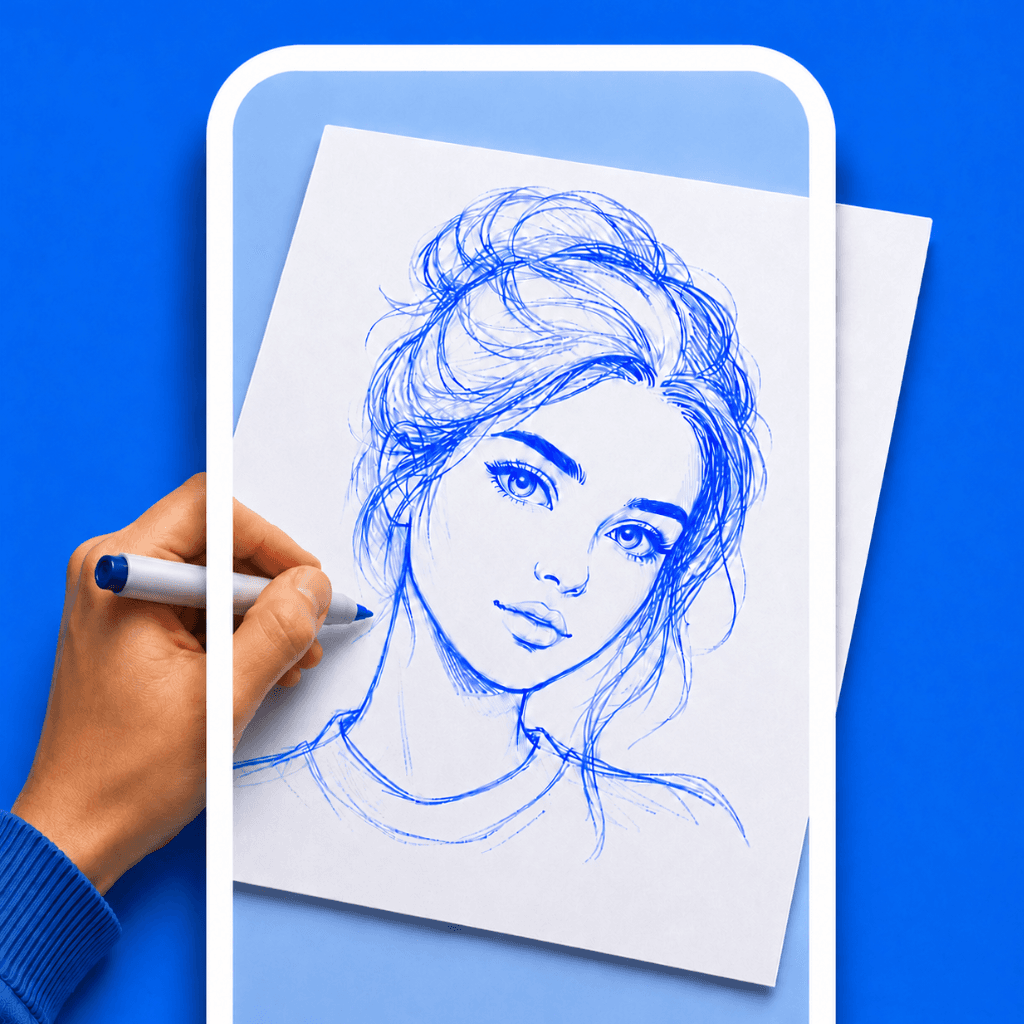

If you want to transfer a photo or sketch onto a piece of paper, you might think you need a bulky light box or a sheet of messy carbon transfer paper. But what if you could just use the device already in your pocket?
Using your smartphone as a projector is the most efficient way to trace. By utilizing a trace on paper app, you can use your phone camera to overlay any image onto your physical workspace.
Why Use Your Phone to Trace?
Traditional methods have major downsides. Tracing paper is fragile and requires you to outline everything twice. Graphite transfer paper ruins the original image and smudges easily. Using a light box requires you to print the photo first, and it doesn't work well with thick watercolor paper or canvas.
Using a phone camera projector solves all these problems:
- Scale instantly: Zoom in to trace fine details, or zoom out to sketch the basic proportions.
- No printing required: Trace photos directly from your camera roll.
- Works on any surface: You can trace onto dark paper, thick canvas, wood, or even a wall.
Step-by-Step: Tracing With Your Camera
1. Download a Free AR Drawing App
The first step is downloading the right tool. You want an app that offers AR drawing capabilities without charging a steep weekly subscription.
Try Drawello (100% Free)
Drawello is built exactly for this use case. It turns your phone into a transparent projector, completely free.
2. Create a Simple Stand
Your phone needs to be elevated and pointing down at your paper. If you don't have an overhead tripod, you can build a DIY stand in seconds. Place a tall coffee mug or a stack of books on your desk, and lay your phone flat on top so the camera lens hangs off the edge.
3. Adjust Opacity and Lock the Screen
Open your trace on paper app and load your chosen image. The app will utilize your camera to show your paper, with your selected image floating on top. Adjust the transparency slider until you can clearly see both your paper and the image lines.
Crucial tip: Always use the "Lock" feature in the app. This prevents the projected image from shifting if you accidentally bump your phone or desk.
4. Trust the Screen, Not Your Hands
The trick to AR tracing is hand-eye coordination. Look only at your phone screen while you draw. It feels strange for the first two minutes, but your brain quickly adapts. Simply follow the lines on your screen, and your pencil on the paper will create the perfect outline.
Ready to start drawing?
You don't need expensive tools or professional skills to get perfect proportions. With just your smartphone and a free app, you can start tracing anything right now.